
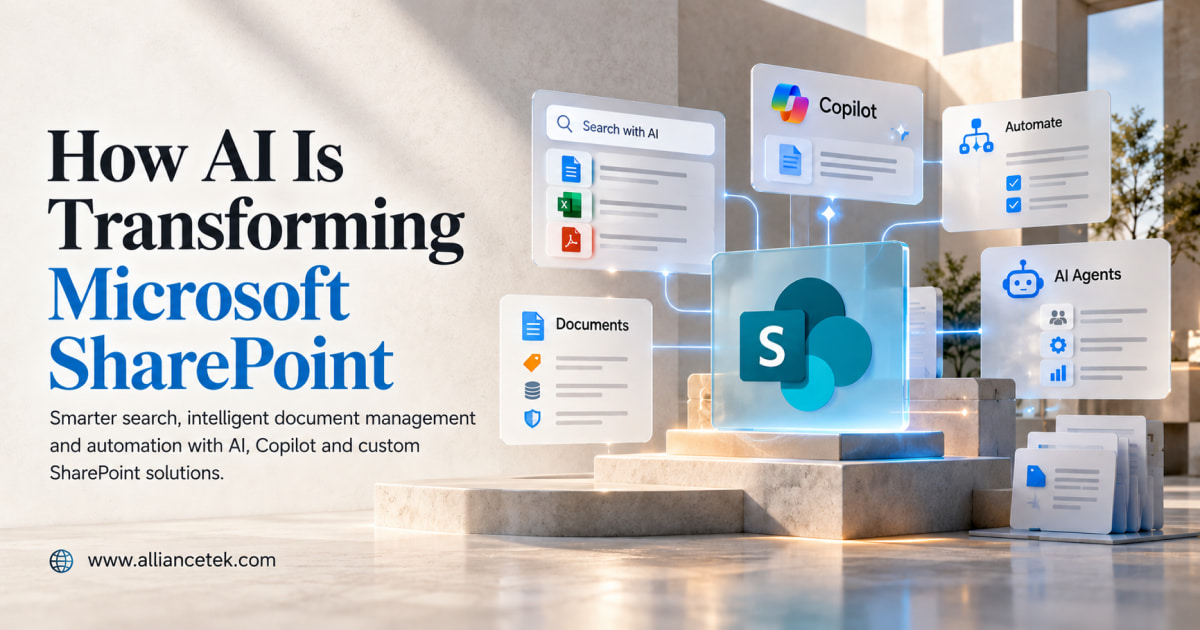
AI is changing how organizations use Microsoft SharePoint – by making enterprise information easier to search, summarize, classify, and act on. Capabilities such as Microsoft Copilot, AI-powered search, and agents help users find relevant information – while respecting the permissions already assigned to their accounts.
For any organization already running Microsoft 365, that’s the practical shift: less time spent locating information, and more of it surfaced automatically, scoped correctly to whoever’s asking. Most of that work happens below the surface, which is why Microsoft sharePoint development services usually get involved before any of it goes live.
Table of Contents
Where AI Is Already Changing SharePoint
Here’s where that shows up in practice, from search down to how new sites get built:
1. Search that behaves like a conversation
- Old search matched keywords only — guess the wrong word, and you got nothing.
- “You can ask a natural-language question such as ‘find the latest version of the vendor contract,’ and AI can help surface relevant files and information based on available content, metadata, and the user’s permissions.
- For any organization with a few hundred documents or more, that’s hours back every week.
2. Copilot handles the first draft
- Summarize long proposals or reports before the meeting.
- Prepare announcements, FAQs, and explanations of policies.
- Flags what actually changed between two contract versions.
- Doesn’t replace review — legal and HR still sign off — it just removes the blank page.
3. Agents built around one job
- An HR agent scoped only to policy and benefits documents.
- An IT agent limited to the troubleshooting library.
- A sales agent scoped to product sheets and proposal templates.
- Building one that’s actually well-scoped, rather than a chatbot that tries to answer everything, is usually the job of an AI ML development company.
4. AI-powered document management
- Categorizes documents and extracts information such as type of contract, client’s name, or expiry date.
- Flags duplicates and inconsistent metadata before they cause search or compliance problems.
- Getting this right at scale is typically where Microsoft SharePoint Development Services come in – cleaning up structure before AI sits on top of it.
5. Automated workflows
- The document is uploaded and is read and tagged by the artificial intelligence, which sends it to the right approver.
- Successful with contracts, invoices, and employee documentation and compliance records.
- However, it still requires a human standard for what “tagged correctly” means and a backup solution. The logic for doing the routing is usually defined in Custom SharePoint Development Services.
6. AI-assisted content creation
- Converts a simple collection of bullet points into a first draft of an announcement, FAQ, or training page.
- Changes tone, format, or length if needed.
- Human review still matters most for anything compliance- or policy-related.
7. AI-assisted site creation
- Describe the site you need – “a project site with a document library, task list, and updates page” – and get a working starting structure.
- Useful for standard sites; less useful once you need custom logic or integrations.
- That’s where Custom SharePoint Development Solutions still matter — AI gives you a starting point, not a finished, tailored system.
8. Better knowledge management
- Surfaces answers from across libraries, sites, and files without anyone needing to know exactly where the information lives.
- Turns SharePoint from a filing system into something closer to an internal knowledge base.
- Cuts down the “I know we have this somewhere” problem across teams and departments.
Key Benefits of AI-Powered SharePoint
- Intelligent search — less time spent hunting for documents
- Copilot — faster first drafts and summaries
- AI agents — easier access to department-specific knowledge
- Document classification — cleaner, better-organized libraries
- Workflow automation — less manual routing and follow-up
- AI-assisted site creation — faster time to a working solution
Pairing all of this with dedicated AI/ML Development Services tends to be what separates a smooth rollout from a stalled one.
Conclusion
SharePoint is shifting away from the platform that serves simply as a repository of documents and moving towards being a tool for asking questions about the knowledge existing somewhere in the organization. This transformation in function is tied less to the Copilot license you get and more to the capability of the content to be understood at all.
Getting there usually means treating the platform and the AI layer as one project instead of two. AllianceTek’s SharePoint Development Services handle the architecture, permissions, and metadata work AI depends on, and for teams that need workflows or sites built around how they actually operate, the same group builds Custom AI/ML Solutions scoped to one real workflow — instead of a generic assistant bolted on top and hoped for the best.